
Run a Dance Studio Three live features (31 August 2026)
Cameras, friend grouping, and Quest Gems — the first post-launch feature drop after Play.
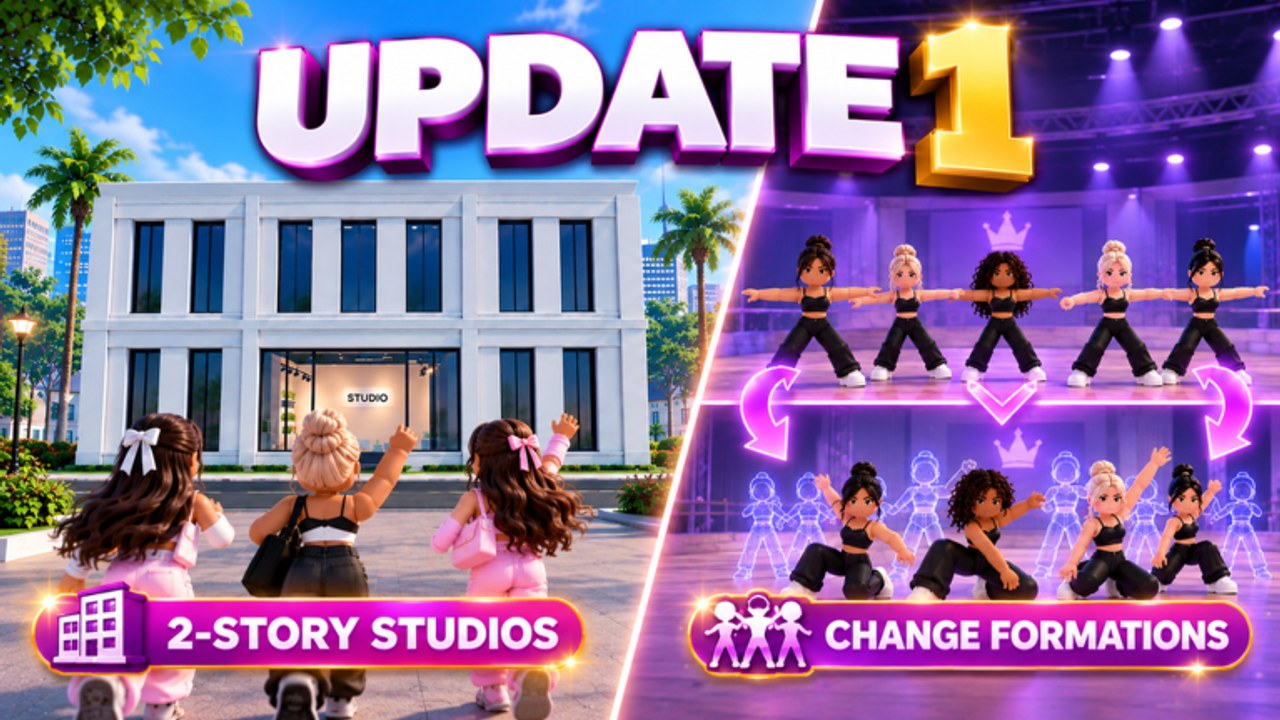
On 31 August 2026 Dance Interactive posted 3 NEW FEATURES ARE LIVE on the official Instagram. That is three days after the Roblox listing went Play, and four days before the formations / second-story window. This page is that drop. The later Update 1 art did not replace these tools; it stacked on top of them.
The three lines, copied from the studio:
- Dynamic Cameras — making it easier to record your group routines.
- Compete with your friends — if you and your Roblox friends enter the same competition, you will now be put together.
- Earn Gems from Quests — click the Quest tab to see what you can earn.
Jump in and try them out, they wrote. This wiki turned each line into a place you can actually land: dynamic cameras, competitions for the friends rule, and quest Gems.
Where this sits on the timeline
- 28 August — live on Roblox; Routine Creator Gamepass; Cash/Gem loop. See launch notes.
- 29 August — Roblox Awards rules and time zones.
- 31 August — this page: cameras, friends, Quest tab. Same day the account also highlighted Studio of the Month JWDA from the pre-launch lobby.
- 1 September — early leaderboard callouts; a creator walkthrough of the main loop.
- 3–4 September — second story; multiple formations; Awards Contemporary Open graphic.
If you joined in September and skipped this post, you are playing Update 1 on top of tools you never opened. Open the Quest tab before you complain that Gems only come from Saturday. Record a group before you call a formation change “done.” Friend a studio partner before you assume comps are always strangers.
Feature 1 — Dynamic Cameras
Group dance is hard to capture from a locked lobby camera. The studio’s fix is an in-experience camera aimed at recording group routines, not a Roblox Studio Freecam tutorial. Use it after you save a piece with a formation change, especially anything headed to Nationals. Full how-to: dynamic cameras.
What they did not publish: keybinds, export quality, or a timeline editor. Look on the routine or stage HUD. Rejoin if a stale server is hiding the control — the Gamepass already taught that lesson at launch.
Feature 2 — Friends in the same competition
Cross-server comps were already billed before launch: everyone enters the same competitions. The 31 August add-on is social, not a private league. If you and your Roblox friends enter the same competition, you are put together. You still sit on the worldwide board next to Elite Superstars. You just share that specific heat with people on your friends list.
Practical use:
- Friend the owners you actually choreograph with.
- Enter the same event, not “any comp this week.”
- Do not treat grouping as an Awards 24-slot reservation. Qualification is still 1 Solo Nationals + 1 Group Nationals.
The competitions guide carries the full ruleset. This patch only changes who you share the instance with.
Feature 3 — Gems from the Quest tab
Launch-week copy pointed Gems at competitions and Awards. The Quest tab is the weekday faucet: click the Quest tab to see what you can earn. There is no public spreadsheet of tasks or payouts. The tab is the list. Do the tasks that already match enrolment, training, and submits. Spend the Gems with the same discipline as Awards Gems — teachers and roster holes first. Walkthrough: earn Gems from quests. Economy spine: earn cash and gems.
Quests are not codes. Do not paste a quest name into the redeem box. As of 5 September 2026 there is still no confirmed promo code.
What did not ship in this post
- Formation changes (those arrived 4 September).
- Second-story how-to (same Update 1 window).
- A rename tool that beats Roblox text filter.
- A documented studio reset that is safe to click.
- Cannons, custom characters, or other comment-section wishes.
Owners still asked how to reset, how to merge duplicates, and how to stop hashtags on the overlay. Those questions are answered as far as the studio has spoken on getting started, train dancers, and build your studio. This 31 August drop does not wipe a roster and does not rename you.
After you install the drop
- Open the Quest tab once per session until it is a habit.
- Friend the people you want in your competition instance.
- Record the current group with Dynamic Cameras before you restage it for Update 1 formations.
- Keep Awards on the schedule.
- Watch @runadancestudio — the next graphic was already two-story studios, not a fourth 31 August tool.
Three live features is the first time the live game added verbs the launch carousel did not have. Use them. Then read formations so you are not recording a one-picture group with a brand-new camera.
Frequently Asked Questions
Quick answers for studio owners, competitions, and currencies.
When did Dynamic Cameras, friend comps, and Quest Gems ship?
31 August 2026, three days after launch. This page is that post.
Do friends get a private competition?
No. You are grouped in the same event. The board is still worldwide — competitions.
Where do I claim quest Gems?
The Quest tab in the live HUD, not the codes box. See quests.
Did this replace Update 1?
No. Formations and the second story shipped a few days later — formations.