
Run a Dance Studio Controls and how to play
Platforms, HUD, cameras, and the loop to run before you touch packs.
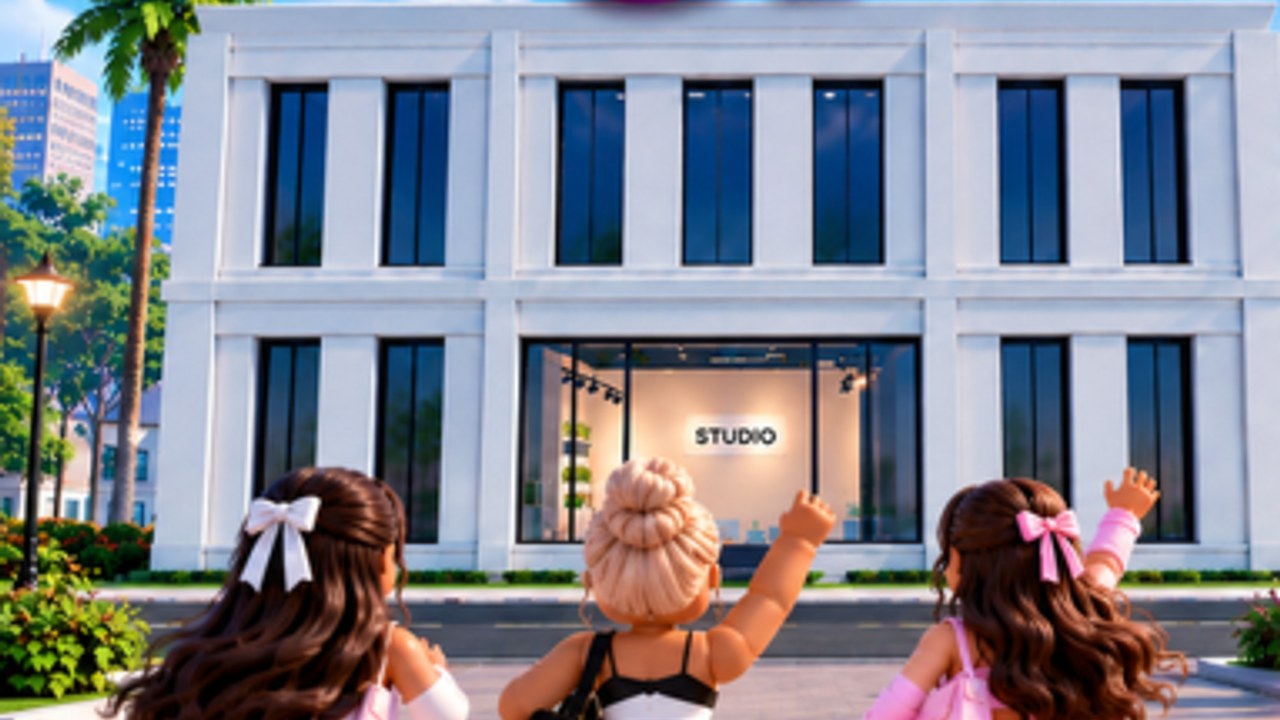
Run a Dance Studio is a standard Roblox R15 simulation from Dance Interactive. There is no published custom keybind overlay, no fighting-game move list, and no hidden semicolon-command sheet. You move, jump, and tap studio GUIs. This page is how that HUD actually maps onto the loop owners search for: how to play, how to find BUILD, how to open Quest, and why mobile sometimes hides a button.
Play the official listing (place 129244982349741). Servers cap at 10 players. Competitions still score across every server, so a small lobby is not a private league. That design is on competitions.
Platforms
The experience is free-to-play on PC, mobile, and console through Roblox. VIP servers are not enabled on the listing we pulled. If you want a quiet floor to choreograph, join a low-pop public server or wait for a quieter hour. You cannot buy a private Awards lobby.
Movement and camera
Walk and jump with the usual Roblox controls for your device. Camera during routine editing is part of the choreography tool, not a separate photo-mode product. After 31 August, Dynamic Cameras exist to record group routines — Dynamic Cameras. Use them after you save a piece, especially once formation changes are in the dance.
On mobile, rotate to landscape if a tab is hiding under chat. Several dance-sim HUDs assume a wide screen. If BUILD or Quest vanished in portrait, that is layout, not a deleted feature.
The HUD verbs that matter
Dance Interactive’s own posts name the menus you actually need:
- BUILD → DESIGN — floors, walls, colors, materials, signage. Official answer for “my studio looks wrong.” Full walkthrough: build your studio.
- Enrol — Cash engine. Empty rooms do not pay. Earn cash and gems.
- Teachers — stats. Train dancers.
- Routine flow — dancers, music, formations, moves, save. Create a routine.
- Quest tab — weekday Gems from 31 August. Quests.
- Competitions / Nationals / Awards — submit, qualify, Champion. Competitions and the Awards schedule.
If a YouTube HUD from RH Dance Studio or KOYA shows Host, bots, or ;bot me, you are in the wrong game. Those commands will not enrol a dancer here.
First hour, in control order
- Join, name the studio with a filter-safe string. Hashtags at comps are Roblox text filter. Details in getting started.
- Open BUILD → DESIGN. Make the floor readable.
- Enrol every slot you can afford.
- Put a teacher on the intended soloist.
- Save a solo and a group — even ugly ones.
- Enter one regular competition so the submit flow is not new on Awards night.
- Open Quest before you spend the first Gem pack.
You do not need a Gamepass to finish that list. Optional Robux accelerators: Gamepasses.
Touch vs mouse
On PC, click GUI buttons; WASD or the default Roblox move set walks the floor. On mobile, thumbs hit the same buttons, just smaller. If Auto-Collect exists as a 999 Robux pass, it is for tapping Cash, not for skipping the HUD. Costume and studio designer passes add tools inside those menus; they do not remap keys.
What is not a control
- Promo codes — no confirmed live code. Codes hub.
- Scripts / injectors — no dedicated public loader. Scripts.
- Reset — not a control you should mash. It may wipe trained stats. Redesign with DESIGN; rename instead of reset.
- Mirrors — not documented as a dedicated toggle. Check DESIGN materials.
After you can walk the floor
Controls are solved when you can open BUILD, enrol, save a routine, and find Quest without a tutorial overlay. Everything after that is economy and choreography. Pair this page with getting started if you just joined, and with Dynamic Cameras if the only thing left is recording the group you already built.
If a friend sends a screenshot of a different dance game’s command bar, close it. This sim is menus plus a shared competition board. Learn the menus once, then spend the week on stats and formations — not on hunting a keybind that Dance Interactive never posted.
Frequently Asked Questions
Quick answers for studio owners, competitions, and currencies.
What are the controls in Run a Dance Studio?
Standard Roblox R15 move, jump, and studio GUI taps. No custom keybind sheet is published. This page maps the HUD.
Does it work on mobile?
Yes. Use landscape if BUILD or Quest is hidden. Platforms: PC, mobile, console through Roblox.
How do I record a group?
Dynamic Cameras, shipped 31 August 2026. Guide: Dynamic Cameras.
Will RH Dance Studio commands work here?
No. Different place ID. See scripts and getting started.