
Run a Dance Studio How to manage, Fuse, and delete dancers
Update 1 roster tools: merge duplicates, clear commons, and keep rare dancers intact.
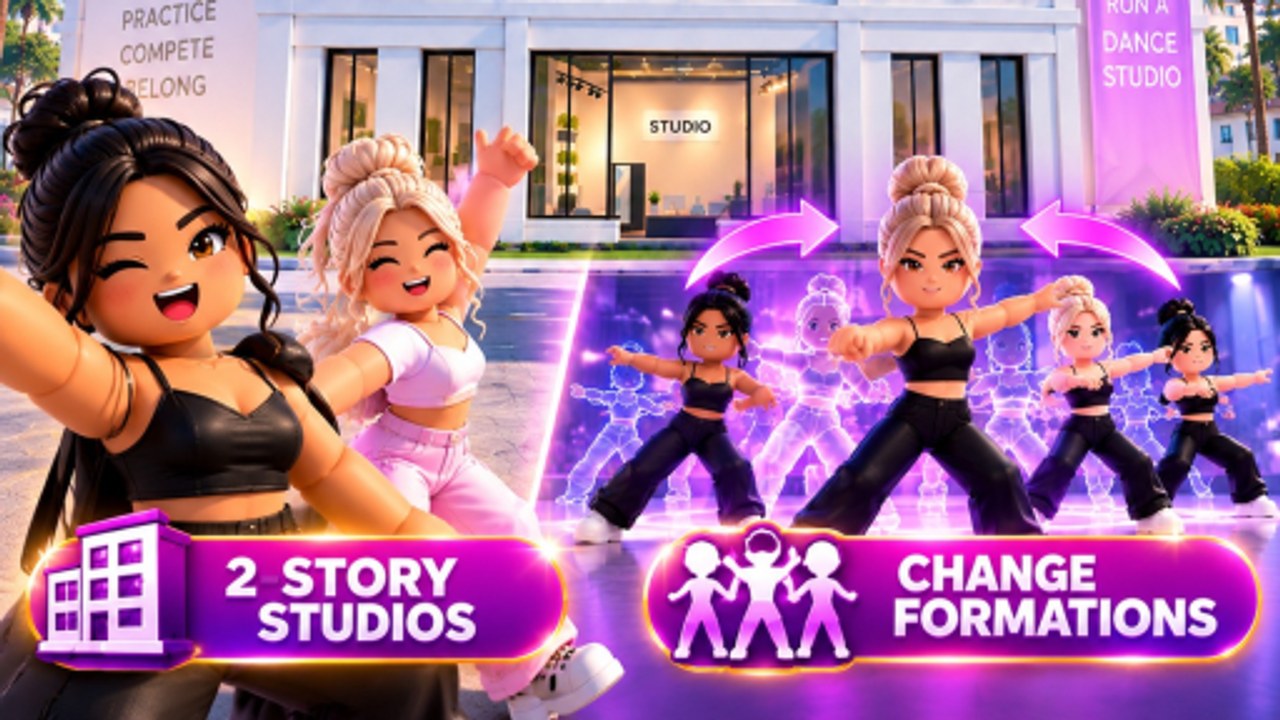
On 4 September 2026 Dance Interactive shipped two roster tools inside Update 1 alongside the formations patch: Fuse duplicate dancers and Batch delete common dancers. Before that date, owners had been asking in comments how to handle the duplicates that pack opens produce. This page is those tools in wiki form, so you do not waste Gems hunting a merge that already shipped.
Why duplicates happen
Gem packs can drop dancers you already own. In most Roblox sims, duplicate items either sit in inventory, get vendored for a trivial return, or disappear. Dance Interactive answered the duplicate question directly: Fuse the extras instead of deleting rare ones, and batch delete the commons you will never use.
If you pulled three copies of the same dancer before 4 September, those extras were sitting. Now they are Fuel.
Fuse duplicate dancers
Fuse takes two copies of the same dancer and combines them. The studio has not published the exact stat merge formula — we will add it when they do. Practical use:
- Keep the dancer you want to train as your soloist or group anchor.
- Park the duplicate until you hit the Fuse button.
- Do not sell or delete a rare duplicate before you see the Fuse UI.
A Fused dancer with higher merged stats is worth more than two separate copies sitting idle. If you are unsure whether a dancer is worth Fusing, treat your top-five trained roster as the Fuse candidates. B-tier and C-tier extras are batch-delete targets.
Batch delete common dancers
Commons are the pack filler: dancers with no featured name, no rare skin, and no spot in your Awards submission. Batch delete removes them all at once instead of clicking each one individually.
What to delete:
- Dancers you pulled twice and never trained
- Extras that are not on your soloist or group core path
- Any body that exists solely to fill the roster count
What NOT to delete:
- Featured real dancers (@ashalovestodance, @lilkira_jc) even if they are not trained yet
- Dancers you are actively using in a routine
- Any rare or named character until you confirm Fuse is not the better path
The order: Fuse first, then batch delete
- Open the roster panel.
- Identify duplicates worth Fusing (your top candidates).
- Hit Fuse on each duplicate pair.
- Run batch delete on commons you will never use.
- Confirm the delete before it clears — batch means all at once.
If you Fuse first, you will know exactly how many commons are left for batch delete. If you batch delete before Fuse, you may accidentally clear the duplicate you needed for a future merge.
How this fits the Update 1 window
Update 1 shipped multiple formations, a second story how-to, nine new moves, five mystery costume pieces, and gold furniture on 4 September. Fuse and batch delete were in the same caption. They are part of the same drop, not a separate patch.
Pair this page with:
- Train dancers so the Fused body actually gets teacher hours
- Dancer tier list so you know which names are worth keeping
- Formations so the now-clean roster has a piece to attend
What Fuse does not do
- It does not raise a C-tier dancer to S-tier on its own. Training still requires teachers.
- It does not combine two different dancers into one super-character.
- It does not work on teachers — only on dancer characters.
After you clean the roster
A leaner roster means:
- Easier daily management
- Clearer picture of who actually needs teacher hours
- Less clutter when you open the costume panel
The goal is not to own forty dancers. The goal is a trained soloist, a trained group core, and bench depth you actually use. Competitions still require both Nationals types. Awards still reward the prepared.
Frequently Asked Questions
Quick answers for studio owners, competitions, and currencies.
How do I Fuse duplicate dancers?
Select the duplicate pair in the roster panel and hit Fuse. Update 1 shipped this feature on 4 September 2026.
What is batch delete?
A bulk tool to remove common dancers you do not need. Use after Fusing rare duplicates.
Should I delete featured dancers like asha or lilkira?
No. Keep all featured real dancers even if untrained. They are collection targets.
Does Fuse replace training?
No. Fused dancers still need teacher hours. Training is on train dancers.