
Run a Dance Studio How to build and design the studio
Floors, walls, second story, signs — and the Cash that unlocks them.
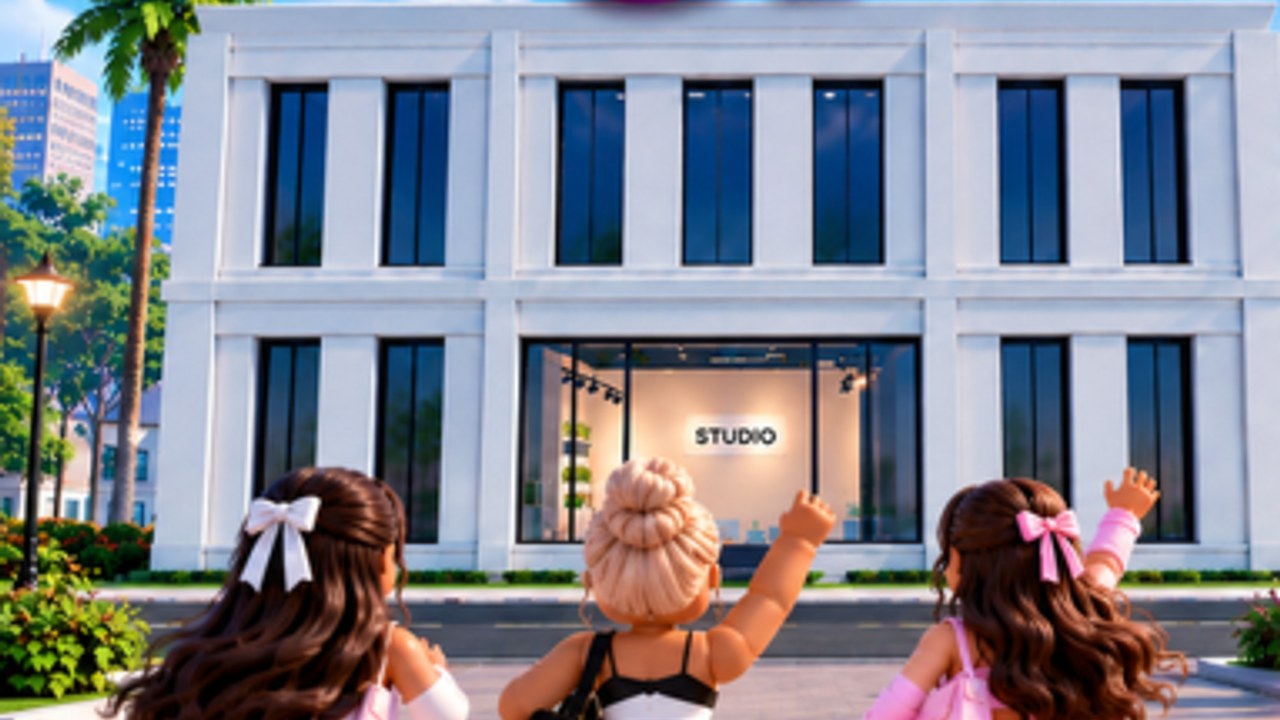
The fantasy is owning the building. Dance Interactive put that fantasy on the official loop: build and expand, because the bigger you build, the more you can earn. Update 1 art is a two-story white studio with “CREATE PRACTICE COMPETE BELONG” on the wall and a purple RUN A DANCE STUDIO banner. This page is how BUILD actually works.
BUILD → DESIGN
Official post for owners whose studio “looks a little different than you imagined”: go to BUILD → DESIGN to change floors, walls, colors, materials, signage, and more. You are not stuck with the starter shell. Redesign when Cash allows. Do not rebuild from zero because the palette is ugly — DESIGN is the repaint tool.
Owners asked about mirrors in the dance room. The studio has not posted a dedicated mirror toggle in the how-tos we have. If a mirror is a DESIGN material or a furniture piece, it will sit in that menu. Do not assume a missing mirror means the room is broken.
Capacity is the real upgrade
Pretty walls do not enrol dancers. Space does. Enrolment is the Cash engine on earn cash and gems. Expand until you can staff the floor, then beautify. A decorated empty lobby is a screenshot; a staffed lobby is a wage.
Launch comments also asked how to get more students and teachers. Students fill the rooms you built. Teachers need somewhere to stand. If you cannot hire, you may be at a slot cap — expand first, then open a teacher pack.
Second story (Update 1)
On 4 September the official account posted HOW TO: build your second story! Update 1 thumbnails show a two-floor exterior and a “2-STORY STUDIOS” badge. Community reads of the tutorial overlay put a large Cash price on the story (reports cite 500,000) and a smaller staircase cost. Treat those as tutorial numbers until the studio publishes a table, but budget a big Cash sink.
Buy the story when enrolment on the first floor is already printing, not as a panic purchase after a lost Awards. Stairs that lead to empty rooms are a trap. Fill the new floor. Then go back to DESIGN so the second story matches the brand on your sign. The same Update 1 drop added exclusive gold furniture for high rollers — a Cash flex, not a judged score. If you want 2x Cash or Studio Designer instead of gold chairs, see the Gamepasses tool.
Signage and the name problem
Signage is in DESIGN. The studio name is still subject to Roblox filter — owners saw hashtags at comps. A beautiful sign with a filtered name still reads as ##### on the board. Fix the name in settings first (getting started), then spend Cash on letters you can legally show.
Reset vs redesign
“How can I reset my studio?” is a recurring comment. Reset is not DESIGN. Reset may wipe progress. If you only hate the wallpaper, use DESIGN. If you hate the name, rename. If you hate the roster, train or merge — train dancers. Reset is last.
How building feeds comps
Bigger studio → more enrolment → more Cash → more teachers and better rooms → better stats and presentation → better competitions. That is the chain. Awards packing lists even mention getting costumes ready; the building is the place those costumes live. Guest judge nights and Studio of the Month screenshots always show a readable lobby. Build for the camera that will exist on Saturday.
Practical order
- Expand slots until enrolment is maxed.
- DESIGN a clean floor and a filter-safe sign.
- Save Cash toward the second story after the first floor is staffed.
- Add stairs, then staff floor two.
- Only then chase luxury materials.
If you came here from the Update 1 thumbnail, pair this page with formations — the other half of that art is choreography, not drywall. The building earns. The routine scores. You need both.
Frequently Asked Questions
Quick answers for studio owners, competitions, and currencies.
Where do I change floors and walls?
BUILD → DESIGN. Official post lists floors, walls, colors, materials, and signage.
How do I build a second story?
Official how-to posted 4 September. Expect a large Cash cost. Details on this page and updates.
Are there mirrors?
Not documented as a dedicated toggle. Check DESIGN materials. Do not reset the studio hunting for one.
Should I expand or decorate first?
Expand and enrol first. Bigger studios earn more — then DESIGN. See earn cash and gems.